Discover, qualify, and enrich B2B prospects using Explorium’s data,
without leaving Claude.



 Claude Pro
Discover, qualify, and enrich B2B prospects using Explorium’s data,
without leaving Claude.
1. Make sure you have Claude pro licence or higher.
2. Go to claude connectors → “Manage connectors” → Search for “Explorium” → Click “Connect”
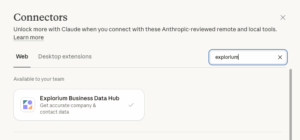
Once Claude approves that the installation was completed:
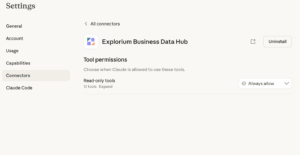
3. Go back to claude connectors → Configure →Tool permissions- Always allow
4. Start prospecting inside Claude! Try this prompt to get started